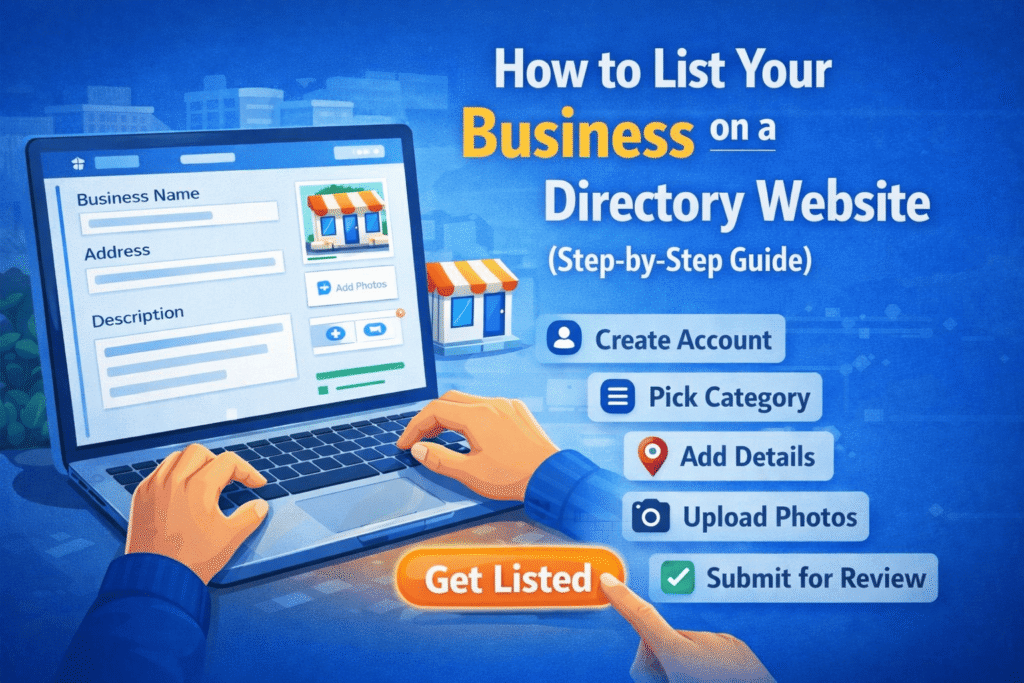
In today’s digital world, listing your business on a directory website is one of the easiest and most effective ways to increase visibility, attract new customers, and grow your brand locally.
Whether you run a small shop, offer services, or manage a growing company, directory listings can help people find you faster. In this step-by-step guide, you’ll learn exactly how to list your business the right way.
📌 What Is a Business Directory Listing?
A business directory listing is an online profile that includes your key business details such as:
- Business name
- Address
- Contact information
- Services or products
- Website link
- Customer reviews
These listings help potential customers discover and trust your business.
🚀 Step 1: Choose the Right Directory Website
Not all directories are the same. Choose platforms that are:
- Relevant to your industry
- Popular in your location
- Trusted by users
You can list your business on:
- General directories
- Niche-specific directories
- Local business directories
👉 Tip: Start with high-traffic platforms and then move to smaller niche directories.
📝 Step 2: Create an Account
Most directory websites require you to sign up before listing your business.
- Use your official business email
- Create a strong password
- Verify your account (via email or phone)
This ensures your listing is secure and manageable.
🏢 Step 3: Add Your Business Information
Now it’s time to create your listing. Be accurate and consistent with details:
- Business Name (exactly as registered)
- Address (same across all platforms)
- Phone Number
- Website URL
- Business Hours
⚠️ Consistency is very important for SEO and trust.
📂 Step 4: Select the Right Category
Choose the category that best describes your business.
For example:
- Restaurant
- Digital Marketing Agency
- Salon
- Plumbing Services
Choosing the correct category helps users find you easily.
🖼️ Step 5: Upload High-Quality Images
Visual content makes your listing more attractive.
Include:
- Business logo
- Storefront images
- Product photos
- Team pictures
Good images increase clicks and build trust.
✍️ Step 6: Write a Compelling Business Description
Your description should clearly explain:
- What you offer
- Who you serve
- What makes you unique
👉 Keep it simple, informative, and keyword-rich (but not spammy).
⭐ Step 7: Add Services, Pricing & Features
Many directories allow you to add extra details like:
- Services offered
- Price range
- Special features (home delivery, 24/7 service, etc.)
This helps customers make quicker decisions.
📍 Step 8: Verify Your Business
Most platforms require verification to ensure authenticity.
Verification methods may include:
- Phone call
- Postcard (for address verification)
✅ Verified listings rank higher and gain more trust.
💬 Step 9: Encourage Customer Reviews
Once your listing is live, ask your customers to leave reviews.
- Positive reviews boost credibility
- Responding to reviews builds trust
- More reviews = better visibility
🔄 Step 10: Keep Your Listing Updated
Don’t just create a listing and forget it.
Regularly update:
- Business hours
- New services
- Contact details
- Photos
This keeps your profile fresh and relevant.

Leave a Reply